Bondex NotchContact

A calmer control center for macOS

Your Mac's notch,
finally useful.

Music, downloads, system health, coding agents and live tasks — all in the one place your eyes already pass. Bondex appears when it matters and melts back into your Mac when it doesn't.

macOS 14+ · Free to start · No account · Everything stays on your Mac

Agent activity♫ Music & browser audio↓ Live downloads⌁ CPU, memory & network

Hover the notch

See the whole picture

Your work, alive at a glance.

Bondex is more than a media pill. It is a compact, private status layer for everything already happening on your Mac.

MusicNative playbackSpotifyNative playbackSafari + ChromeBrowser audioCodex + ClaudeAgent activityShortcuts + scriptsLive activities

01 · Agent awareness

Let your agents work. You'll know when they're done.

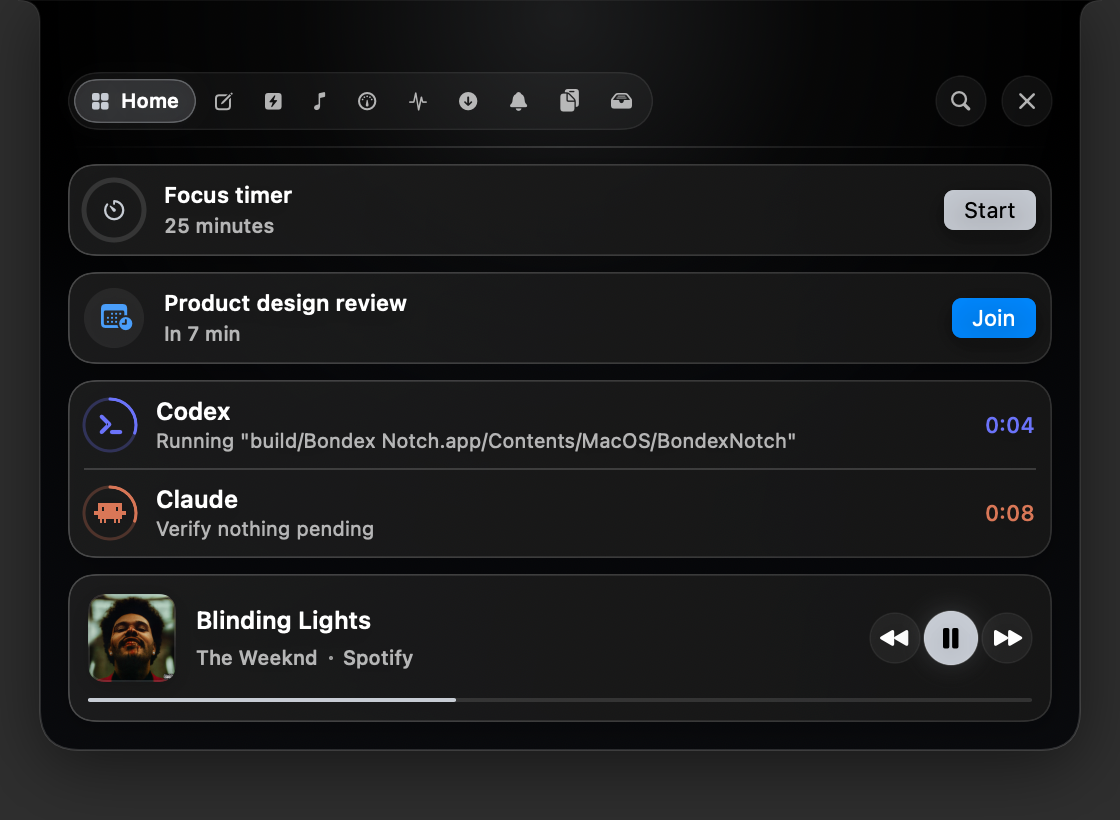
Bondex shows which coding agent is active, the task it is working through, and a running clock. Multiple agents appear side by side, so parallel work never becomes mystery work.

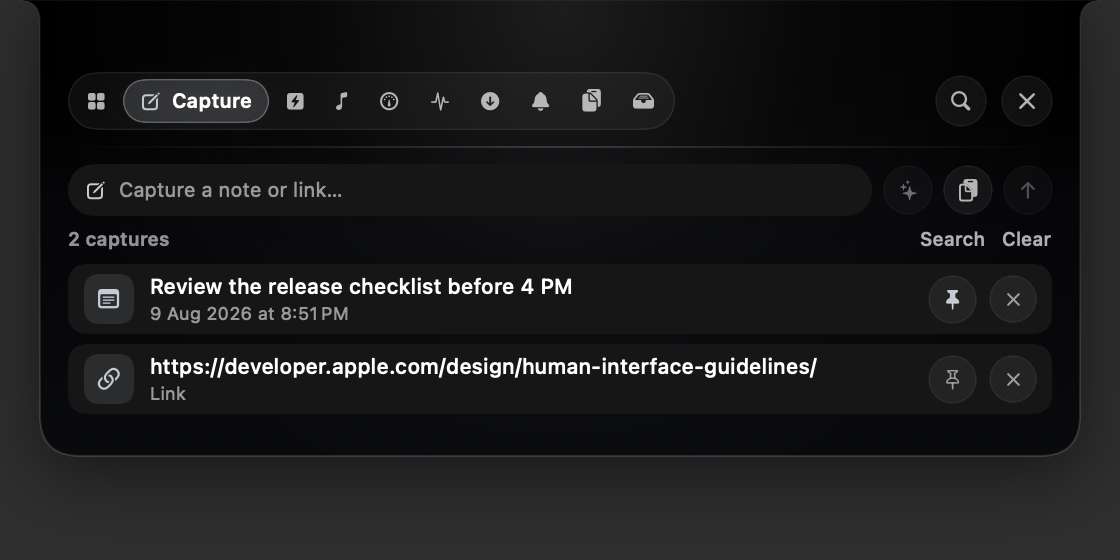
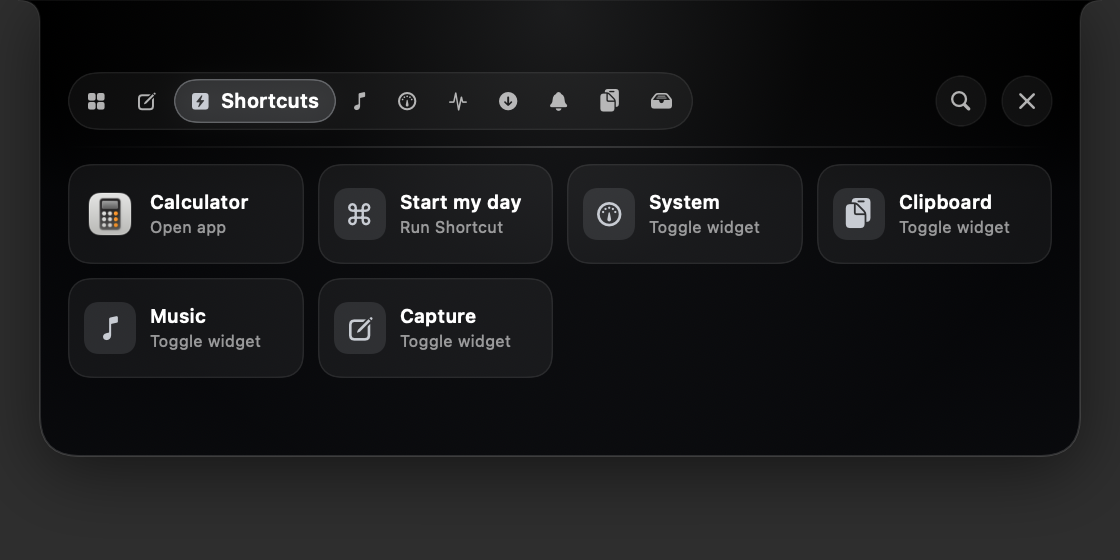
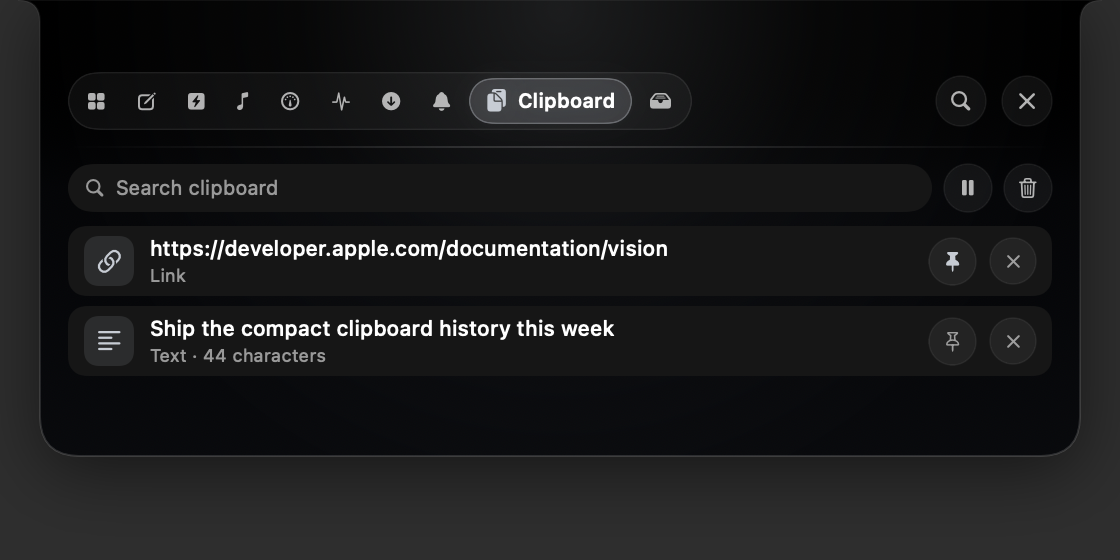
  • Explore the same seven tabs as the real Mac panel
  • Signal agents, run builds and simulate downloads
  • Control music, change accents and drop files onto Shelf
Codex is workingRefining the landing page
23%CPU
67%Memory
100%100%
3.2 MB/s 118 KB/sNetwork
Send a signal
Explore every tab · drop files onto Shelf · nothing is uploaded.

02 · Media + system

Control the soundtrack. Keep an eye on the machine.

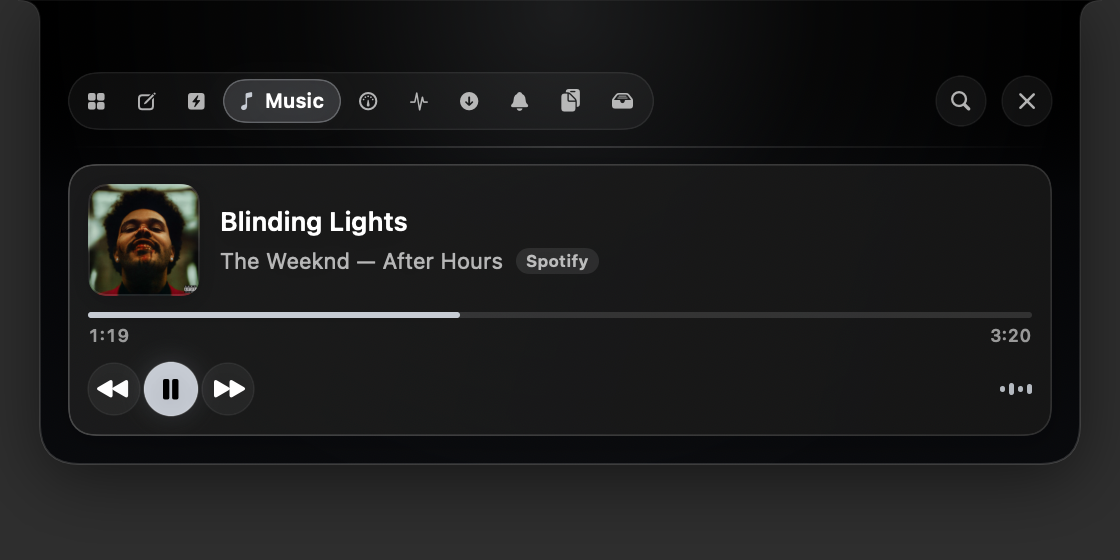
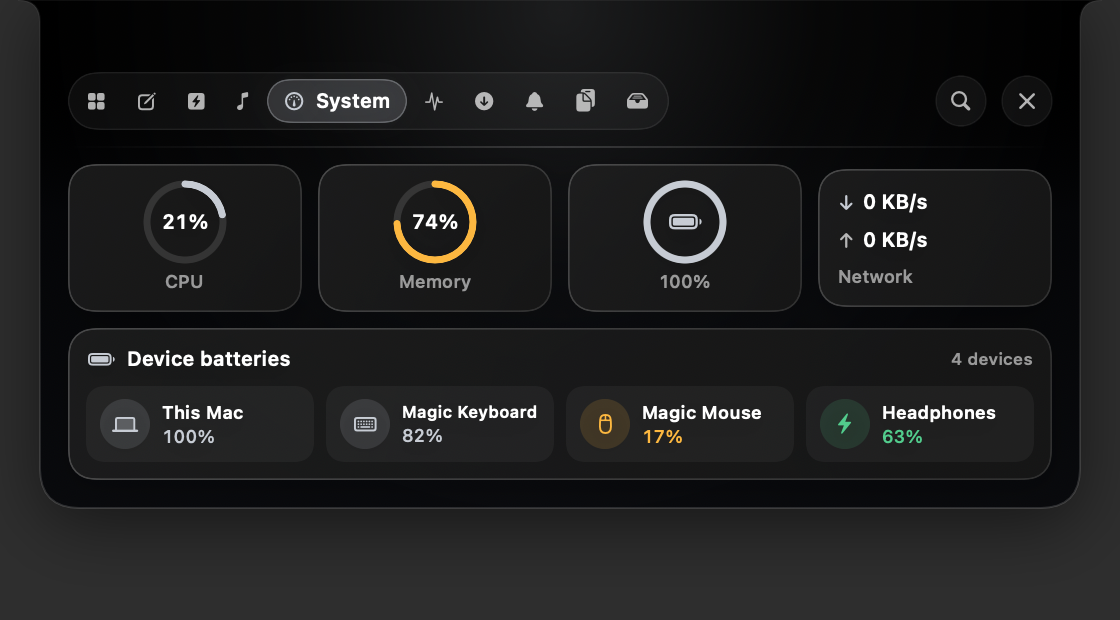
See artwork, track, artist and progress from Music, Spotify and supported browser players. The same Home view keeps CPU, memory, battery and real network throughput one glance away.

  • Playback controls that never steal keyboard focus
  • YouTube, SoundCloud, Twitch and more through browser tabs
  • Kernel-sampled metrics with an optional compact summary

03 · Files in motion

Downloads land. Files wait. Your desktop stays clean.

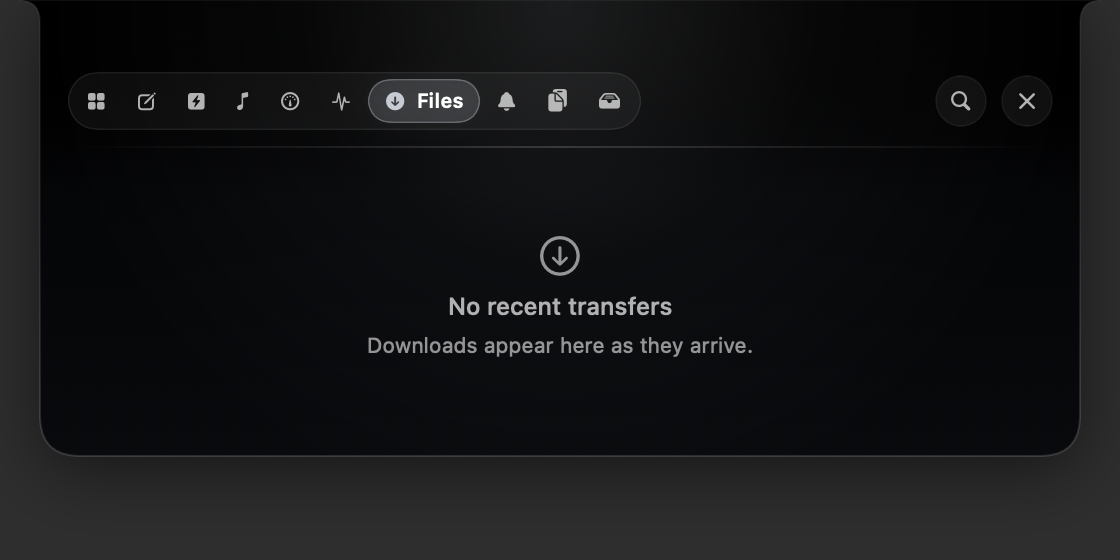
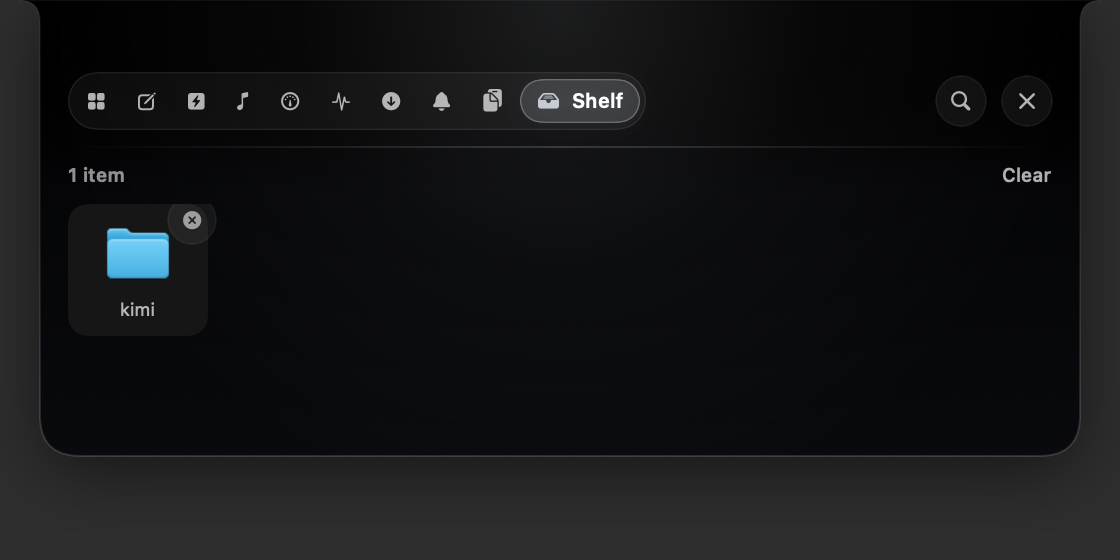
Watch transfers arrive in Downloads with live size and speed, then reveal them in Finder. Drag working files onto the notch to keep a temporary shelf available above every app.

  • Live Downloads folder activity and completion banners
  • Drag files in, then drag them back out anywhere
  • References only — Bondex never duplicates your files

04 · Made for your Mac

Shape the notch around the way you work.

Choose what appears, put tabs in your preferred order, and tune the panel until it feels native to your setup. Every change applies live, with a synthetic pill for displays that have no hardware notch.

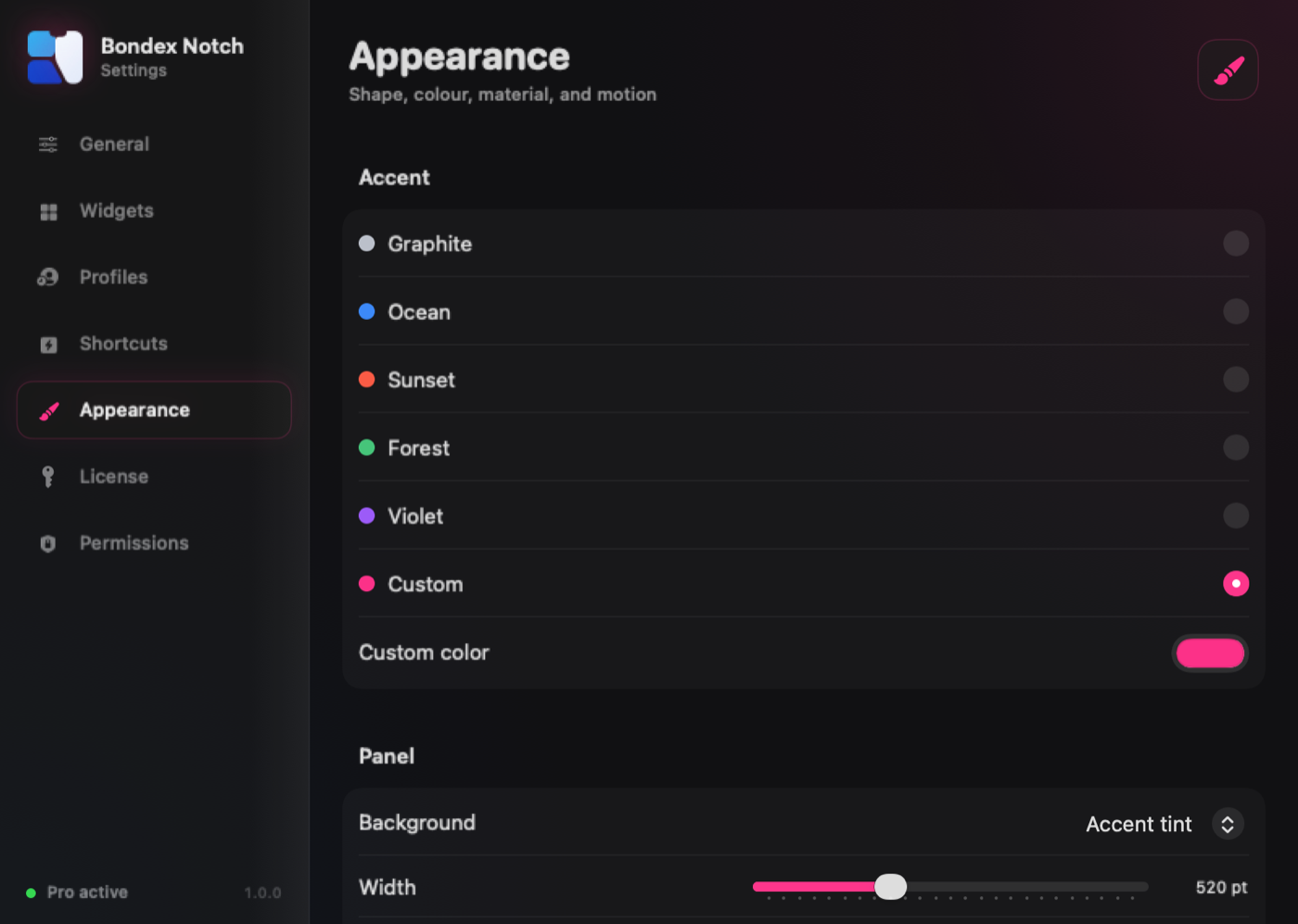
  • Custom accent, material, width, opacity and corner geometry
  • Reorder tabs and disable any widget completely
  • Adjust hover delay, close delay and animation speed

Small footprint

Useful at a glance. Quiet the rest of the time.

Bondex is designed for low CPU overhead from the beginning—not wrapped in a browser engine after the fact. Native services do one focused job, update at a deliberate cadence, and stop when you turn their widget off.

Low-overhead architectureSwift + SwiftUI · background utility sampling
2 secSystem refresh

CPU, memory, power and network sampling runs as a background utility task.

0Web runtimes

No Electron process and no embedded web view sitting behind the panel.

OffMeans stopped

Disable a widget and its service stops sampling instead of merely hiding it.

LocalBy default

Core widgets read your Mac directly without uploading their activity.

The complete toolkit

Ten small features. One much calmer desktop.

Every part of Bondex answers a question you'd otherwise open an app to answer. Keep the widgets you need, reorder them, and switch the rest off completely.

Music

Track, artist, album art and a scrubbing progress bar for Music and Spotify — with transport controls that don't steal focus from what you're typing.

Browser audio

See what is playing in Safari and Chromium tabs, including YouTube, YouTube Music, SoundCloud and Twitch — with controls when the site exposes them.

Agent activity

Know when Codex, Claude Code, Gemini, Ollama or another CLI agent is working, what it is doing, and how long it has been running.

Custom live activities

Send progress from a script, Shortcut, build tool or terminal. Active jobs stay in the peek and finish directly into your activity feed.

File activity

Watches your Downloads folder and reports transfers as they land, with live throughput. Click through to reveal anything in Finder.

Pro

System

CPU load, memory pressure, battery level and time remaining, and real network throughput — sampled straight from the kernel, not estimated.

Activity feed

A running log of what changed: tracks, finished downloads, power events, shelf drops. Transient events also flash as a banner beside the notch.

Drop shelf

Drag files onto the notch to park them, then drag them back out anywhere. Nothing is copied — the shelf holds references to your real files.

Pro

Make it yours

Tune width, opacity, corners, top flares, rim, shadow and animation speed. Choose a preset or custom accent and reorder every tab.

Pro

Genuinely light

Swift and SwiftUI throughout, no Electron and no web view. Widgets you switch off stop their background service instead of continuing unseen.

One gesture

Three states, drawn to scale

The panel is the same object throughout. It only ever changes size.

  1. Collapsed

    Exactly the size of your hardware notch, and completely invisible against it. Bondex is doing nothing to your screen.

  2. Peek

    When something is live — a track playing, an agent working, or a build running — a thin strip grows beside the notch. Never over it.

  3. Expanded

    Move the pointer to the notch and the full panel springs down. Move away and it's gone. Click to pin it open while you work.

Displays

No notch? No problem.

On external displays and pre-2021 Macs, Bondex draws its own pill in the same place and behaves identically. It follows the built-in display when you plug in, and re-measures itself whenever your display arrangement changes.

Pricing

Pay once, or don't pay at all

No subscription for the app itself. Buy the license, keep the version you bought, forever.

Free

$0

Everything you need to live in the notch.

  • Music and supported browser playback
  • Agent activity for Codex, Claude, Gemini, Ollama and custom agents
  • Custom live activities from scripts and Shortcuts
  • System widget — CPU, memory, battery, network
  • Activity feed
  • Hover, peek and expand behaviour
  • Graphite theme
Get early access

AI add-on

$4/month

Optional. Cancel whenever.

  • Notification summarisation
  • Smart replies
  • Calendar assistance
  • Requires a Pro license
On the roadmap

The honest answers

What it can and can't do

Which music apps are supported?

Apple Music, Spotify, Safari, and supported Chromium browsers. macOS has no public system-wide "now playing" API — MPNowPlayingInfoCenteronly reports the calling process, and the private framework that used to work was locked down in macOS 15.4. Bondex uses each app's scripting interface instead, which is the supported route. Browser tabs can show players such as YouTube, YouTube Music, SoundCloud and Twitch after JavaScript from Apple Events is enabled once. You'll be asked for Automation permission the first time.

How does agent activity work?

A small hook tells Bondex when an agent starts a tool, what it is doing, and when the turn ends. Codex and Claude Code have direct setup flows; Gemini, Ollama, and any other CLI agent can use the same open busy/idle signal. Everything stays on your Mac and is watched without background polling.

What are custom live activities?

Progress updates that you send from a script, Shortcut, build tool or terminal — no SDK needed. A live activity can have a title, status and progress value; it stays visible in the peek and becomes an activity-feed event when it finishes.

Does it show my other apps' notifications?

No, and no Mac app can. Notification Center's database is protected by System Integrity Protection and there's no API to read it. Rather than pretend otherwise, Bondex shows an activity feed: what it observes directly — track changes, completed downloads, power events, shelf drops.

How light is it on CPU and memory?

It's a native Swift app with no Electron runtime, web view, or background helper process. System metrics are sampled every two seconds on a background utility task, and widgets you disable stop their service entirely. Exact usage varies by Mac and enabled widgets, so Activity Monitor is the honest place to verify it on your setup.

What permissions does it ask for?

Three, all optional and all requested only when the relevant widget is on. Automation for Music and Spotify, Files and Folders to watch Downloads, and Notifications if you want Bondex to post its own alerts. Nothing leaves your Mac.

Will it work on my display?

macOS 14 Sonoma or later, Apple silicon or Intel. Notch or no notch — on displays without one, Bondex draws a matching pill in the same position.

Private release

Want Bondex on your Mac?

Bondex Notch is privately developed. Get in touch for early access, licensing, product questions, or feedback—the message goes directly to the team building it.

Direct reply · No public source repository · No account required